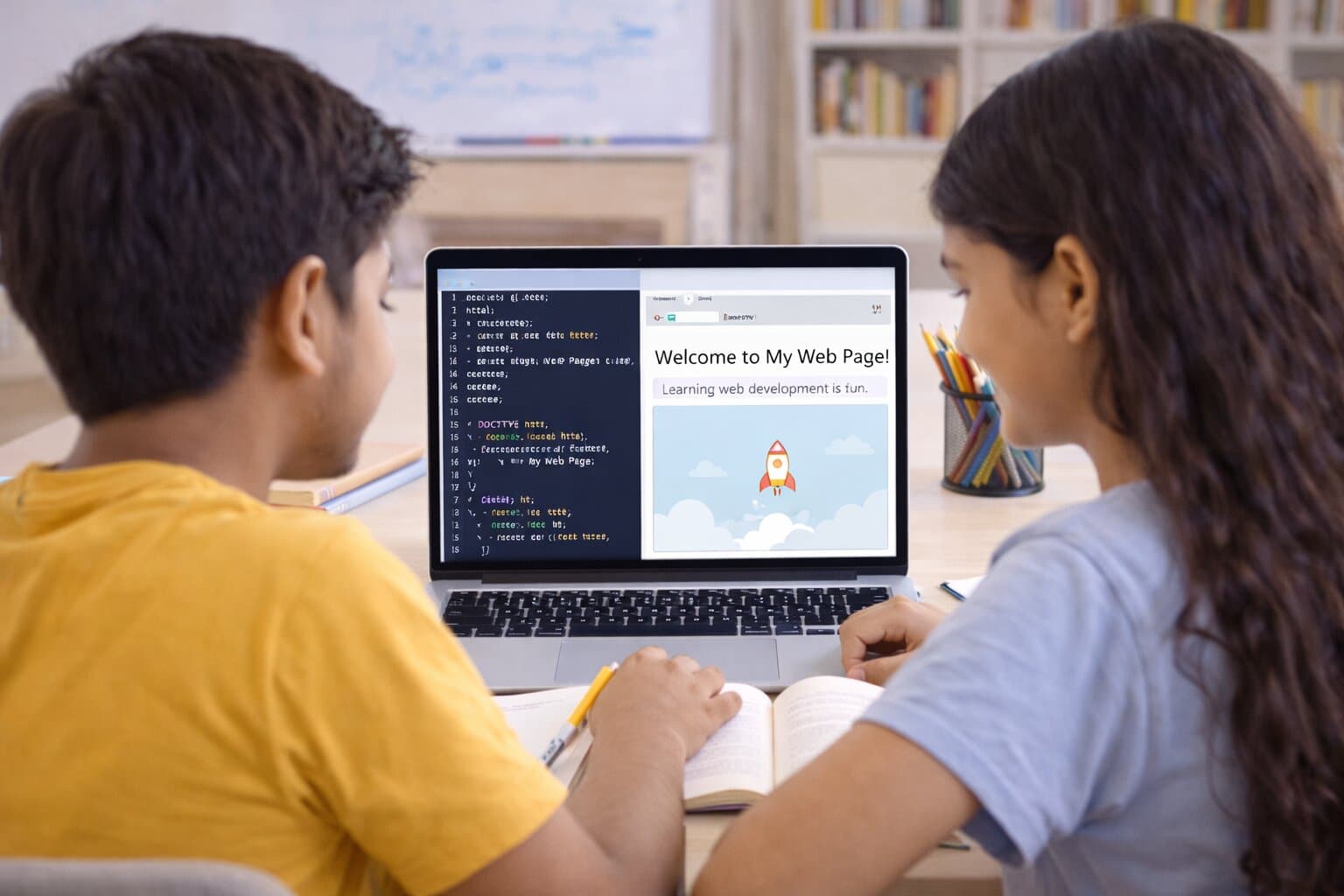
Building a simple webpage is satisfying. HTML structures content, CSS makes it look good. Students can see results quickly, which makes it a great entry point.
HTML: Structure First
Headings, paragraphs, lists, links, and images. Learn the basic tags. A simple page with your name, a bio, and a few links is a solid first project.
CSS: Make It Look Good
Colors, fonts, layout. Start with inline or internal CSS, then move to external stylesheets. Flexbox and Grid come later—basic styling first.
Add Interactivity With JavaScript
Buttons that change text, forms that validate, simple animations. JavaScript brings pages to life. Learn the basics after HTML and CSS feel comfortable.
Resources
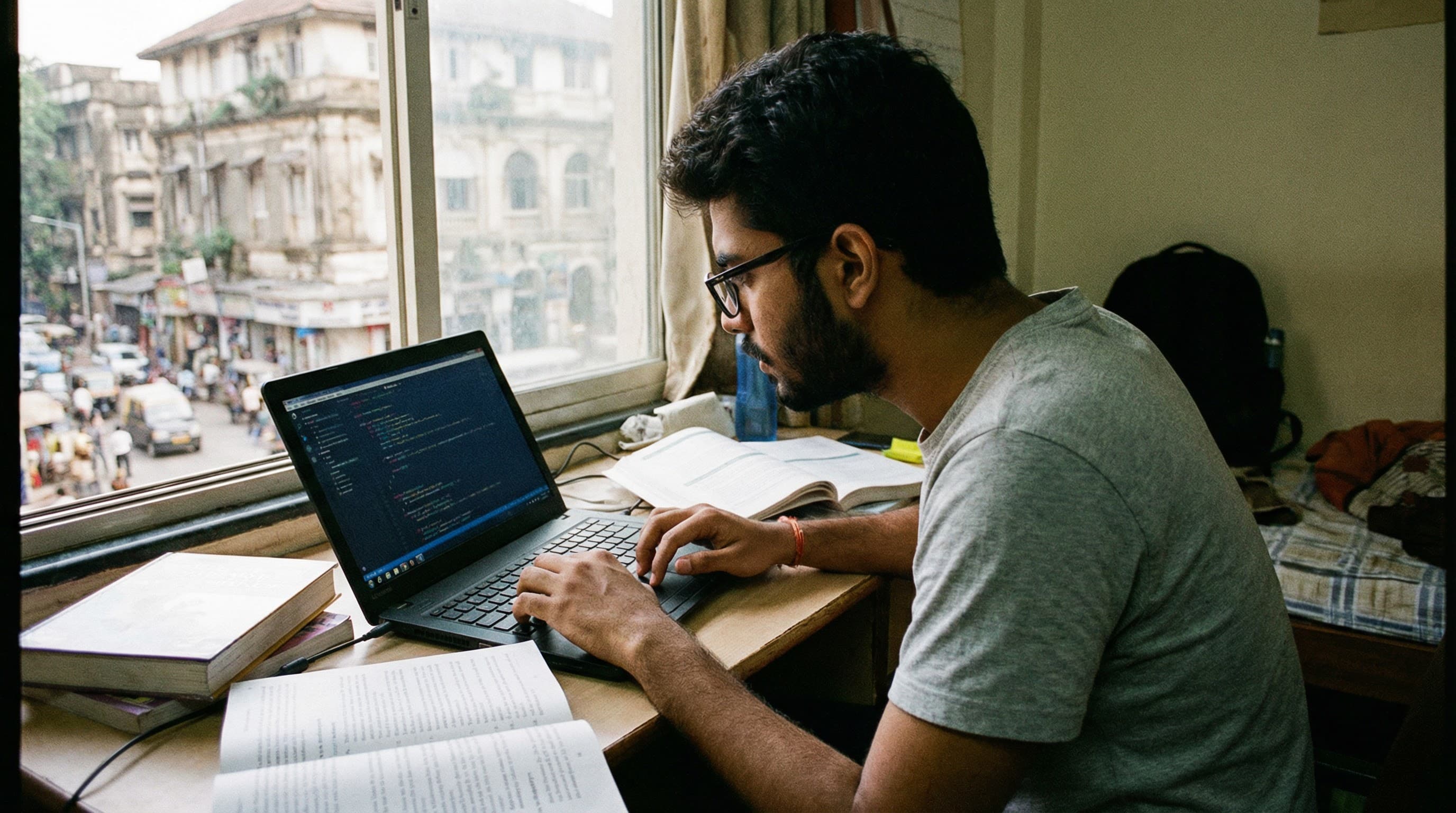
Free editors like VS Code, browsers' developer tools, and sites like CodePen for quick experiments. No fancy setup needed to get started.
Frequently Asked Questions
What should students learn first in web development?
HTML for structure—headings, paragraphs, lists, links, images. A simple page with a name, bio, and links is a solid first project.
When should students add CSS?
After basic HTML. Start with colors, fonts, layout. Inline or internal CSS first, then external stylesheets. Flexbox and Grid come later.
What does JavaScript add to a webpage?
Interactivity: buttons that change text, form validation, simple animations. Learn JavaScript basics after HTML and CSS feel comfortable.
What tools do students need for web development?
A free editor like VS Code, browser developer tools, and sites like CodePen for quick experiments. No fancy setup needed.
Build Skills With Expert Guidance
GuruForU tutors can guide your child through web development basics.
Book a Free Session